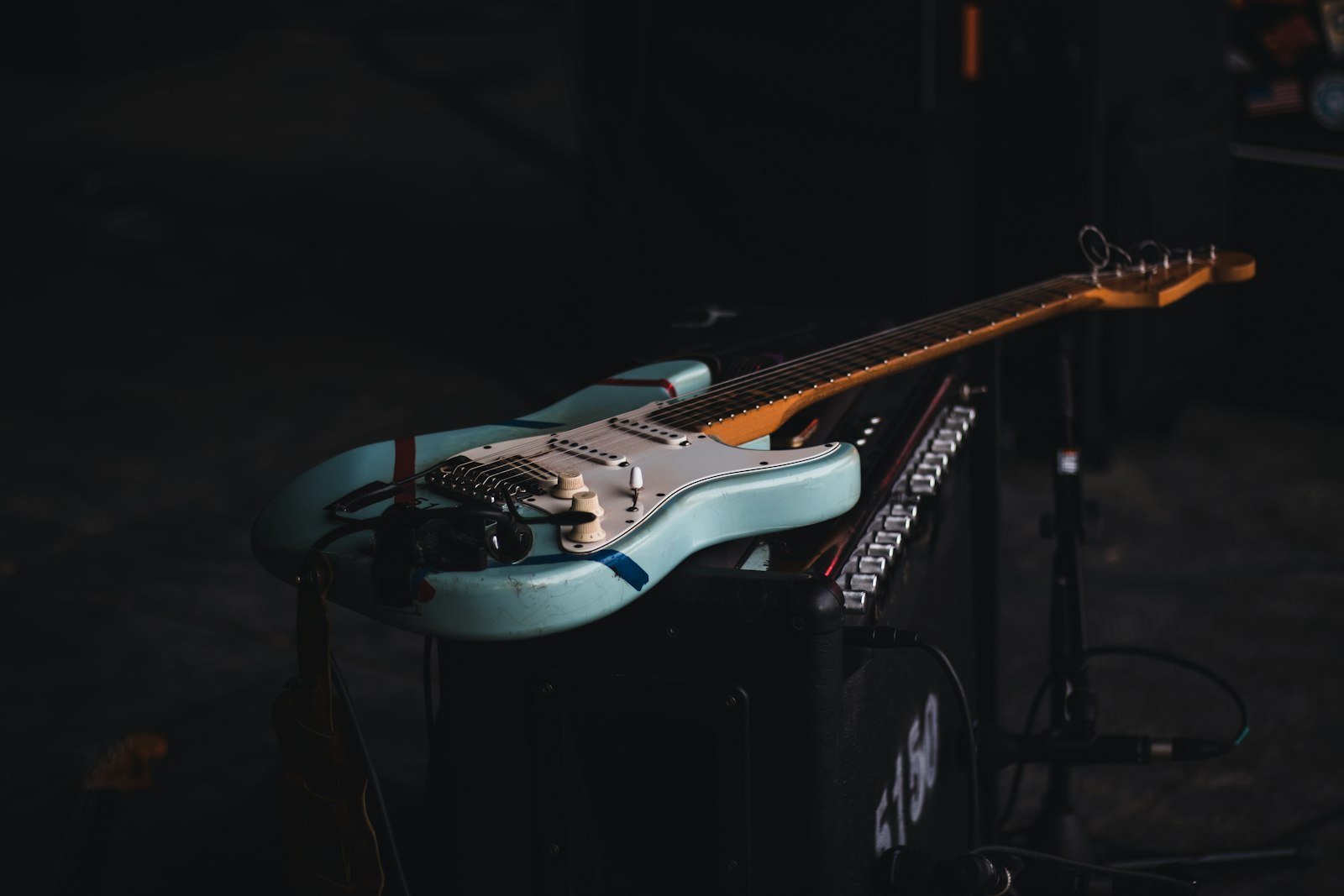
To record electric guitar, plug your guitar into an audio interface, choose your sound source – a mic’d amp, a DI signal into an amp simulator, or both at once – set your levels so the loudest notes peak around -6 dB, then play a clean, in-tune take and double-track your rhythm parts for width. That is the short version. Below is the full step-by-step: the gear you need, how to pick between an amp and a DI, mic placement that actually works, the mistakes that ruin most home guitar tracks, and how we capture electric guitar at a professional level in our Dubai studio.
Recording electric guitar is one of the most rewarding things you can do as a musician – and one of the easiest to get slightly wrong. The good news: the fundamentals are simple, and once you understand them you can get a usable tone in minutes.
Table of Contents
- What you need to record electric guitar
- Amp, DI or amp sim: choosing your method
- How to record electric guitar, step by step
- Mic placement for a guitar amp
- Common mistakes to avoid
- Editing, reamping and mixing
- Recording electric guitar in Dubai
- FAQ
What You Need to Record Electric Guitar
You do not need a huge rig to get a great electric guitar sound. A focused setup beats an expensive pile of gear you do not understand. Here is the essential signal chain:
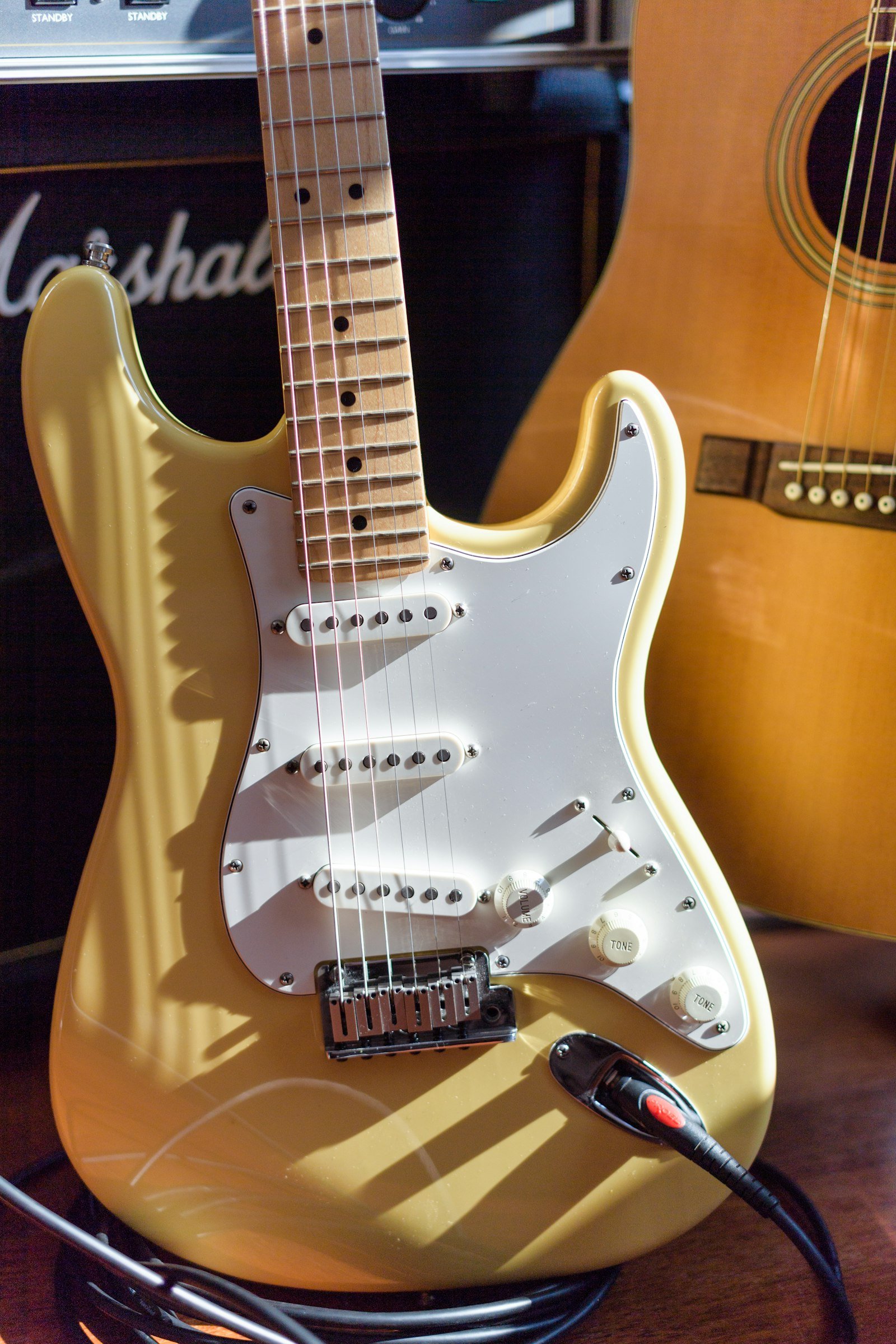
- Your electric guitar – set up properly, with fresh-ish strings and the intonation checked so chords stay in tune up the neck.
- An audio interface – this converts your guitar into a signal your computer can record. A single good instrument input is enough to start.
- A DI (direct) path or an amp – either plug straight in and shape the tone with an amp simulator in software, or mic a real amplifier. More on choosing below.
- A microphone if you are miking an amp. A dynamic mic such as an SM57 is the classic workhorse; a condenser adds air and detail.
- A DAW (digital audio workstation) – Ableton Live, Logic, Pro Tools, Reaper or similar – to record, edit and mix.
- Good cables and a quiet room. A single-coil guitar next to a laptop screen will hum; small placement changes fix most noise.
If you want a deeper look at how all of this fits together in a full track, our guide to music production in Dubai walks through the whole process from idea to finished song.
Amp, DI or Amp Sim: Choosing Your Recording Method
There are three ways to capture electric guitar, and the best engineers often use more than one at the same time. Here is how they compare:
| Method | Best for | What you need | Trade-off |
|---|---|---|---|
| Mic’d amp | Authentic tone, feel and natural dynamics | Amp, mic, interface, a room you can play loud in | Needs volume and a treated space; tone is “committed” when you hit record |
| DI + amp simulator | Home recording, quiet environments, flexibility | Just the guitar, a cable and your interface | Can sound slightly “digital” if the plugin is pushed too hard |
| DI + mic’d amp together | Serious productions and reamping later | All of the above, plus a reamp box | Most setup, but gives you the most options in the mix |
For most people recording at home, a DI signal into a good amp simulator is the fastest route to a clean, controllable sound – and crucially, it lets you change the tone later without re-recording. If you own a real amp and a room where you can turn up, a mic’d amp will always have a feel that is hard to fake. When quality matters most, record both: the clean DI is your safety net.
How to Record Electric Guitar, Step by Step
Step 1: Tune up and lock in your tone
Tune carefully – electric guitar is unforgiving on record, and a note that is a few cents flat will fight everything else in the mix. Then decide on your sound before you hit record. Rolling off a little gain almost always helps; distortion sounds huge in the room and turns to mush in a dense arrangement.
Step 2: Set your levels and gain staging
Play the loudest part of your part and watch your interface meters. Aim for peaks around -6 dB, with plenty of headroom so nothing clips. Clean, quiet gain staging at the source saves hours of problems later. If you hear hiss or hum, try turning your body and guitar away from screens and power supplies.
Step 3: Choose amp or DI (or both)
Plug your DI straight into the instrument input for a clean capture, or mic your amp (see placement below). The single best habit you can build is to always record a clean DI track in parallel. Even if you commit to an amp tone now, that DI lets you reamp or swap the sound entirely during mixing.
Step 4: Play a committed, musical take
Great guitar tracks are played, not fixed. Record in short sections, keep your picking dynamics consistent, and mute strings you are not playing to kill unwanted ring. A tight, confident take with a simple tone beats a sloppy one buried in effects.
Step 5: Double-track your rhythm parts
The “wall of guitars” sound on records you love is almost never one performance. For rhythm parts, record the same part twice as two separate takes and pan them hard left and right. Two honest, slightly different performances create width and power that copy-paste and stereo wideners cannot. Lead lines usually stay in the centre.
Mic Placement for a Guitar Amp
If you are miking an amp, placement matters more than the mic itself. Start with a dynamic mic (an SM57 is the industry standard) pointed at the speaker cone:
- Centre of the cone (on-axis): brighter, more aggressive, more attack.
- Towards the edge of the cone: warmer, rounder, less fizz.
- Distance: start with the mic almost touching the grille. Pull it back a few inches for more body and room.
Move the mic an inch at a time and listen – small changes make a big difference. The same “listen, adjust, listen again” discipline applies when you record vocals in a studio, and it is exactly how acoustic instruments are captured too; see our companion guide on how to record acoustic guitar. For the technical background on how amplifiers colour your tone, this overview of guitar amplifiers is a useful read.
Common Mistakes to Avoid
- Too much gain. Beginners almost always record with more distortion than the mix can handle. Dial it back and let the arrangement do the work.
- Recording out of tune. Re-tune often, especially after bends and big strums.
- No clean DI. Skip the parallel DI and you lose the ability to fix or reshape the tone later.
- One guitar, hard panned. A single rhythm take panned to one side leaves a hole in the mix. Double-track instead.
- Chasing the perfect tone before playing. Get a good, committed sound quickly, then focus on a great performance.
Editing, Reamping and Mixing Your Guitar
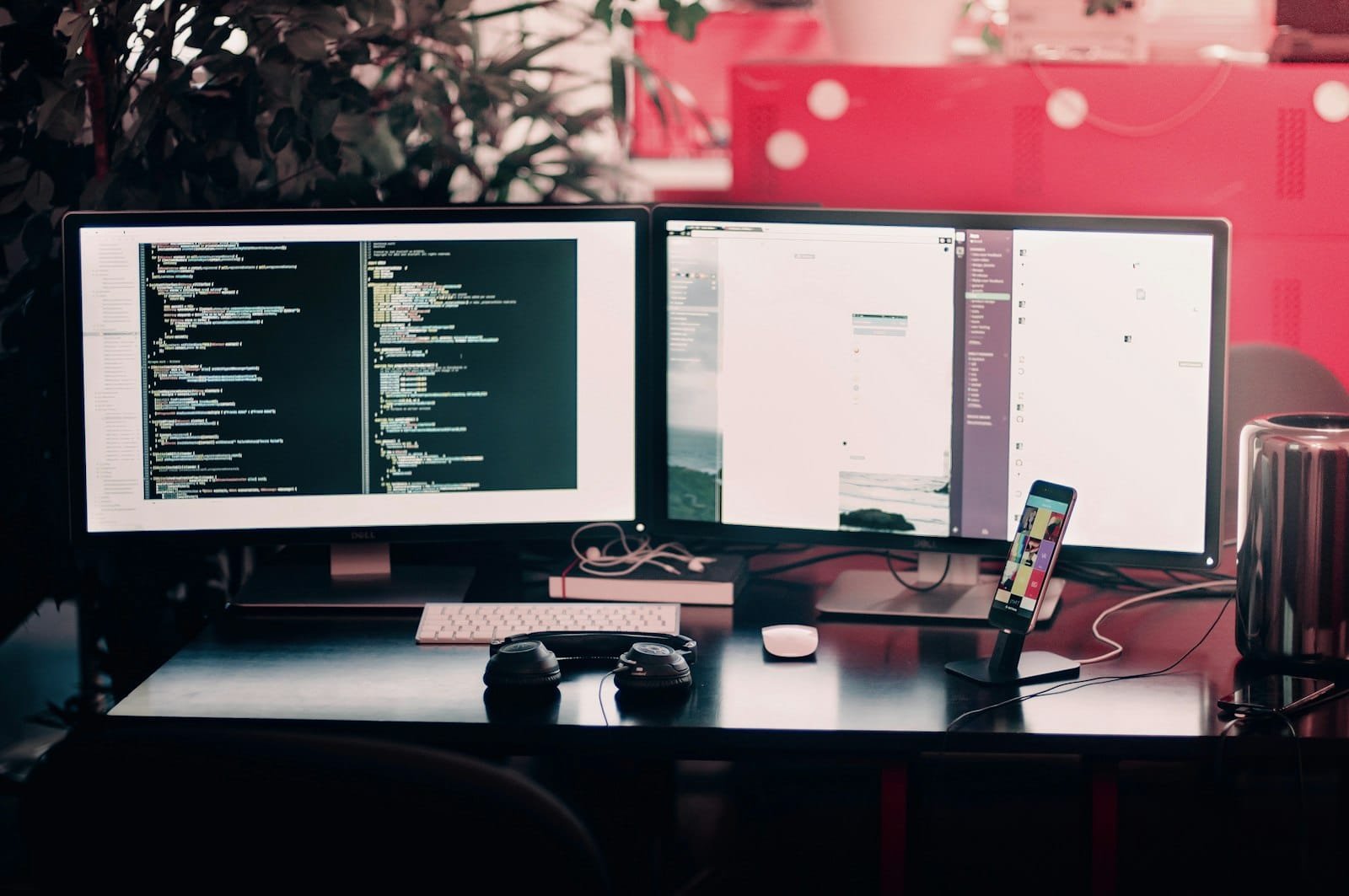
Once your takes are recorded, light editing goes a long way: tidy the start and end of phrases, remove unwanted string noise between parts, and tighten doubled rhythms so they lock together. If you recorded a clean DI, this is where reamping shines – run that DI back through an amp or simulator to find the perfect tone in context with the full track.
In the mix, carve space with EQ so the guitars sit around the vocal rather than on top of it, use a little compression to even out dynamics, and add reverb or delay to place the guitar in the song. Getting these final stages right is a craft of its own – our guide to mixing and mastering in Dubai covers how a track goes from raw recordings to release-ready.
Recording Electric Guitar in Dubai
You can get a long way at home with a DI and a good amp simulator. But there is a reason artists still track guitars in a professional room: real amps pushed to the right volume, a treated space with no hum, a locker of microphones, and – most importantly – an experienced ear guiding the tone and the performance.
At G Studio on Palm Jumeirah, electric guitar sessions are run personally by George Yukhanov, a multi-platinum, award-winning producer and composer who ranks among the top 5% of producers worldwide. He is also one of the rare producers at that level who works openly with newcomers – so whether you are tracking your first riff or finishing a release, you get the same ear that has shaped platinum records. Many clients pair their guitar sessions with full production, vocals and mixing under one roof.
Frequently Asked Questions
Can I record electric guitar without an amp?
Yes. Plug your guitar straight into an audio interface (the DI method) and shape the sound with an amp simulator plugin in your DAW. This is how a huge amount of modern music is recorded, and it is ideal for quiet home setups.
What is the best mic for recording a guitar amp?
A dynamic microphone like the Shure SM57 is the classic, reliable choice and is used on countless hit records. A condenser mic can add detail and air, and many engineers blend a dynamic and a condenser together.
Why should I always record a clean DI track?
A clean DI captures your raw guitar signal with no amp or effects. That means you can “reamp” later – sending it through a different amp or simulator to completely change the tone during mixing, without re-recording the performance.
How do I make my electric guitar sound bigger?
Double-track rhythm parts: record the same part twice as two separate performances and pan them hard left and right. Two honest takes create width and power far more convincing than copying one take.
Why does my electric guitar hum or buzz when recording?
Single-coil pickups pick up interference from screens, lights and power supplies. Turn your body and guitar until the hum drops, move away from your laptop or monitor, and check your cables. A noise gate can help, but fixing it at the source is always better.
How much does it cost to record guitar in a Dubai studio?
At G Studio, studio time runs from AED 450 per hour with an engineer, or AED 600 per hour working directly with George, a multi-platinum producer. Full turnkey song production, including recording, is available from USD 5,000. The best option depends on whether you want to track parts yourself or have your song produced end to end.
About the author: George Yukhanov is a multi-platinum, award-winning songwriter, composer and producer with over 20 years in music, currently ranked in the top 5% of producers worldwide. He founded G Studio, a premium recording studio on Palm Jumeirah, Dubai, where he produces songs, develops artists, and works openly with newcomers – from first-timers to established names.