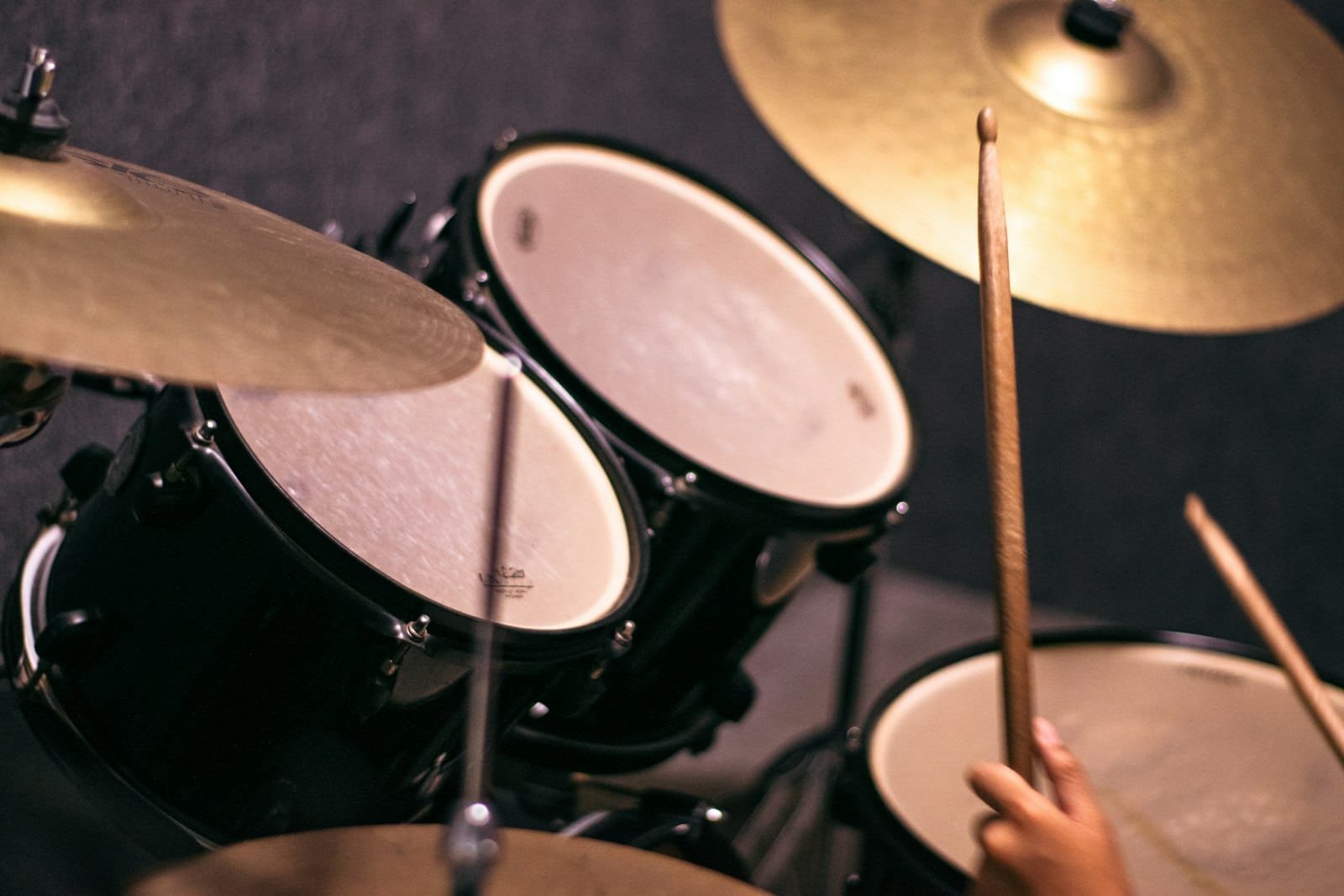
To record drums, tune and dampen the kit, choose a microphone setup that matches your room and budget (from a single mic up to a full close-miked rig), place the mics, set clean levels with no clipping, then capture a tight, in-time performance before editing and mixing. Great drum recordings come far more from a well-tuned kit, a good player and a decent room than from an expensive mic locker. This guide walks through every step the way we track drums at G Studio in Dubai, with microphone setups for home and professional rooms, a comparison table, common mistakes to avoid, and answers to the questions beginners ask most.
Table of Contents
- What you need to record drums
- Step 1: Tune and prepare the kit
- Step 2: Choose your microphone technique
- Step 3: Place your microphones
- Step 4: Set levels and record
- Step 5: Edit and mix the drums
- Recording electronic drums and MIDI
- Common drum recording mistakes
- Record your drums at G Studio Dubai
- FAQ
What you need to record drums
Drums are the most demanding instrument to record because a kit is really many instruments at once, each with its own pitch, attack and decay. At minimum you need a tuned acoustic drum kit, an audio interface with at least two (ideally more) microphone inputs, one or more microphones, closed-back headphones for the drummer, and a digital audio workstation (DAW) such as Logic, Ableton, Pro Tools or Reaper.
The most underrated piece of gear is the room itself. Drums excite a space more than any other instrument, so a treated room, or a controlled corner with some absorption, matters more than the brand name on your microphones. If your room sounds boxy or harsh, fewer microphones placed well will almost always beat many microphones fighting a bad acoustic. Honest expectations here save hours of frustration during mixing and mastering.
Step 1: Tune and prepare the kit
Nothing you do later will fix a badly tuned kit. Before a single microphone goes up, spend real time on the drums themselves. Replace dead or dented heads, seat each head by pressing firmly in the centre, then tune in small, even increments around every lug until the pitch is consistent. The kick and toms should have a clear fundamental note; the snare should crack without excessive ring.
Control unwanted resonance with light dampening: a folded cloth or a dedicated muffling ring on the snare, a small pillow lightly touching the front head of the kick, and gel dampeners on toms only if they ring too long. Check for squeaky pedals, buzzing snare wires and rattling hardware, because microphones hear everything you ignore in the room. A well-prepared kit is 70% of a professional drum sound.
Step 2: Choose your microphone technique
You do not need a microphone on every drum. The number of mics you use should match your room, your interface inputs and the genre. Jazz, folk and indie often sound best with one to four mics; modern pop, rock and metal usually want a full close-miked kit for maximum control. Here is how the common setups compare.
| Setup | Mics | Best for | Control vs. room sound |
|---|---|---|---|
| Single mic (mono) | 1 | Demos, jazz, lo-fi, tiny rooms | Natural, cohesive; little control |
| Recorderman / stereo pair | 2 | Balanced, musical kit sound | Great room feel; limited per-drum control |
| Glyn Johns (3–4 mic) | 3–4 | Rock, pop, singer-songwriter | Classic balanced sound with some control |
| Full close-miked | 6–12+ | Modern pop, rock, metal | Maximum control; needs a good room |
If you are just starting, begin with the stereo-pair or Glyn Johns approach. They deliver a surprisingly professional, balanced result with only two to four inputs, and they teach you to listen to the kit as one instrument rather than a pile of separate drums. For the kind of radio-ready music production most artists want, we often track a full close-miked kit and then blend in the room mics for weight and glue.
Step 3: Place your microphones
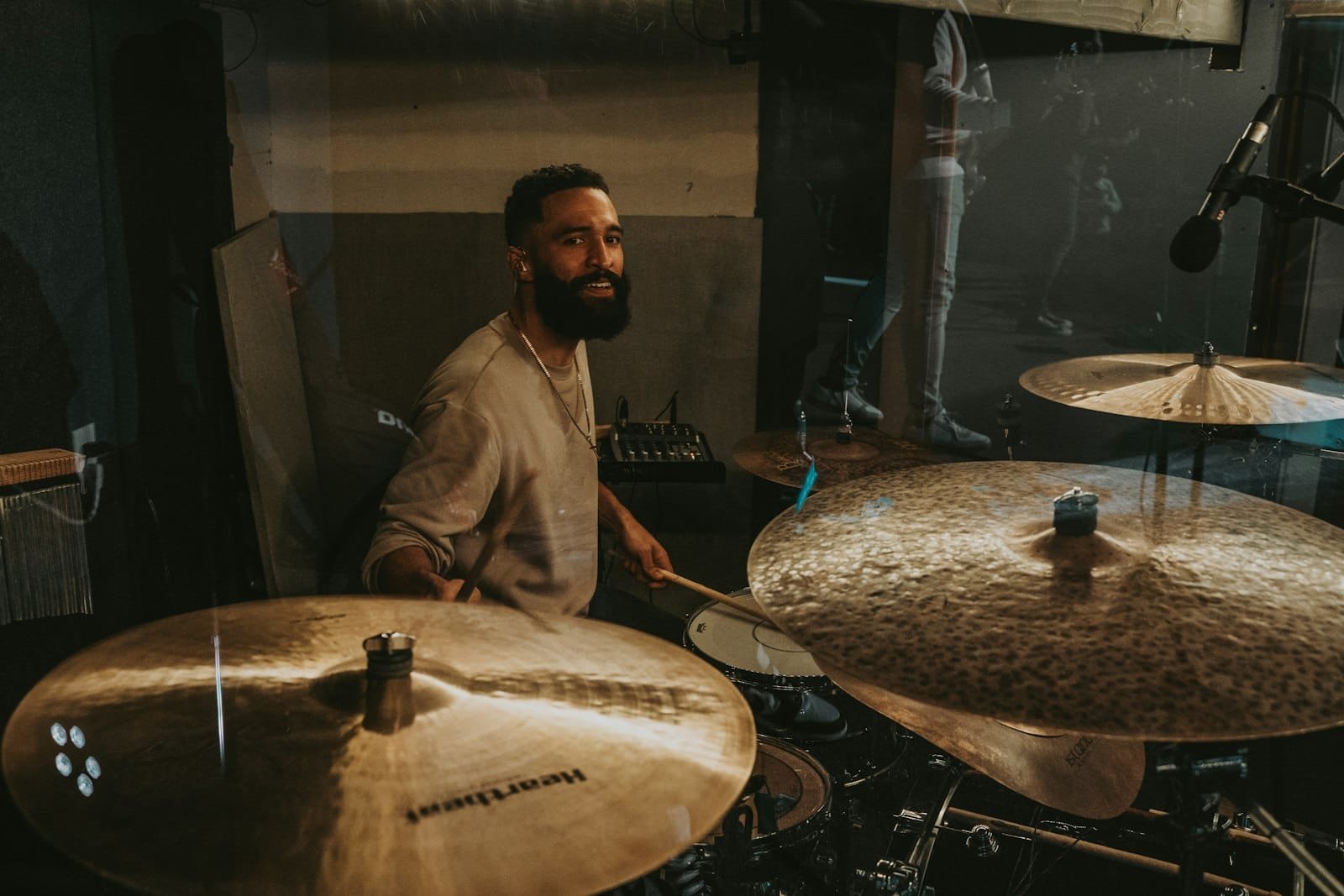
Placement is where good recordings are won or lost. Whatever setup you choose, start with the overheads, because they capture most of the kit and define its stereo image. A reliable rule is to keep both overhead capsules equidistant from the centre of the snare (measure with a cable), which keeps the snare centred and avoids phase problems.
Kick drum
Place a dynamic mic (a kick-specific mic or a large dynamic) just inside the front hole, pointing at the beater for attack, or further back toward the resonant head for more boom. Move it in or out a few centimetres to balance click and low end.
Snare drum
Aim a dynamic mic about 2–3 cm above the rim, pointing across the top head toward the centre. Angle it away from the hi-hat to reduce bleed. Add a second mic underneath for wire snap if you want it, but flip its phase.
Overheads and toms
Set overheads 90–120 cm above the kit as a spaced pair or in an X/Y pattern. If you are close-miking toms, place each small-diaphragm or dynamic mic a few centimetres above the head, angled toward the centre. Always check phase: if the kit sounds thin when you combine mics, flip a polarity switch and listen for the fuller option.
Step 4: Set levels and record
Have the drummer play the loudest part of the song while you set input gain so the hardest hits peak around -6 dB. Drums have huge transients, so leave more headroom than you would for vocals or guitar; clipping a drum transient is unrepairable later. Record at 24-bit, 44.1 or 48 kHz.
Build a comfortable headphone mix with a strong click or guide track, because a drummer who cannot hear the tempo clearly will drift. Record several full takes rather than stopping after every mistake; energy and consistency across a whole take matter more than one perfect bar. Just as we do before a vocal recording session, a short warm-up and a relaxed room get a better, more natural performance on tape.
Step 5: Edit and mix the drums
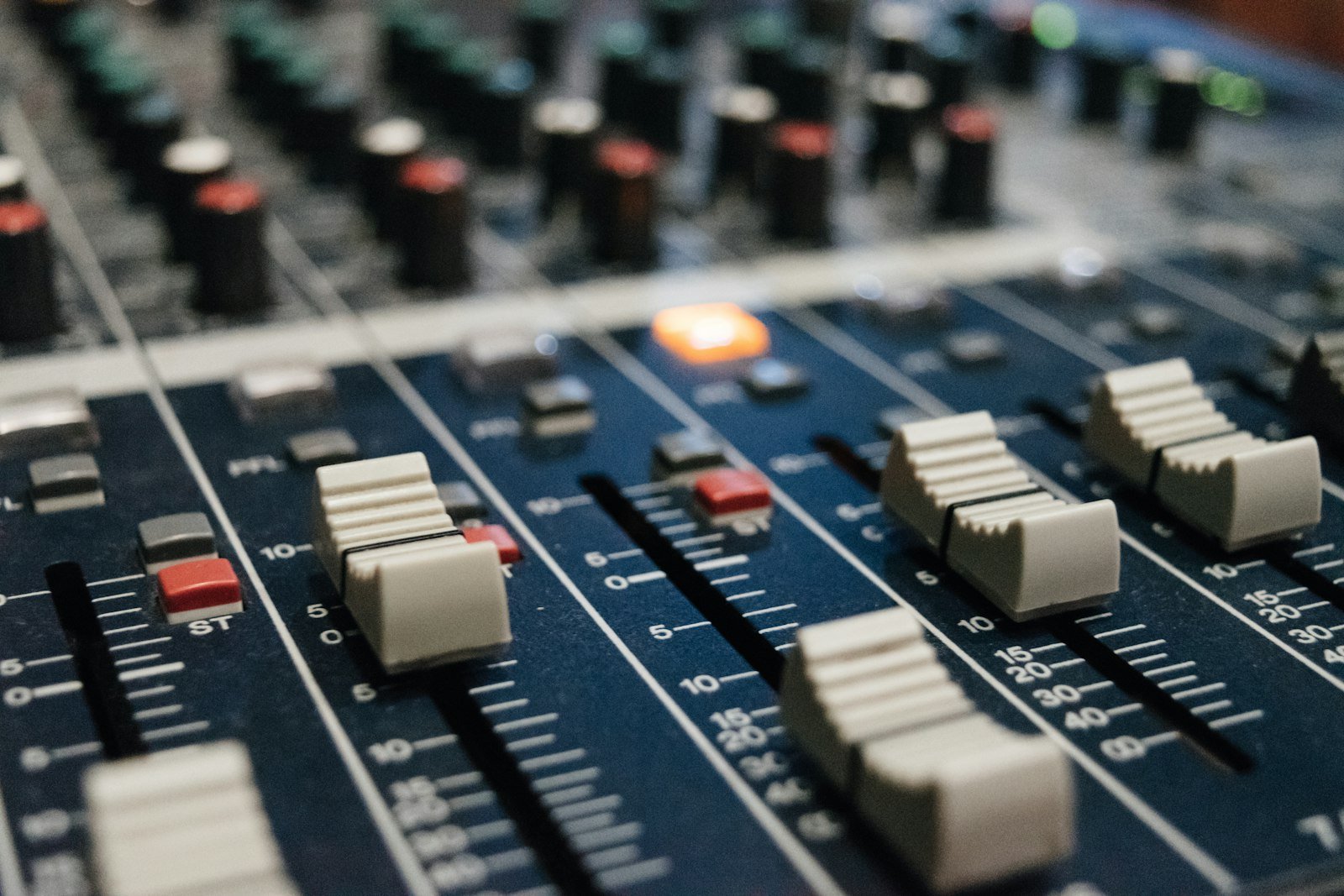
Comp the best take, then tighten timing carefully with quantize or manual edits if the genre calls for it, but keep enough human feel that the groove still breathes. Check phase one more time across all mics before you process anything.
In the mix, balance kick and snare first, then bring up overheads and toms around them. Gentle high-pass filtering on overheads, light compression on the overall kit, and parallel compression for punch are the workhorse moves. Tune the kick and snare to sit with the song, add room reverb to taste, and reference against a track you love. If you learn to pick those reference tracks well, your drum balances improve fast — we cover that method in our guide to using reference tracks in music production.
Recording electronic drums and MIDI
Not everyone has an acoustic kit or a room to track it in, and that is fine. Electronic drums and MIDI are legitimate, widely used tools in modern records. You can record an electronic kit two ways: capture its audio outputs like an acoustic kit, or, better for flexibility, record its MIDI performance into your DAW and trigger high-quality drum samples.
Recording MIDI lets you change the drum sounds, fix timing and tweak velocity after the fact without re-recording. Programming drums from scratch with a controller or your keyboard is also valid — it is the foundation of most beats. If that is the direction you want, our step-by-step guide to making a beat walks through programming drums and an 808.
Common drum recording mistakes
The mistakes that ruin drum recordings are almost always avoidable. Watch for these:
- Skipping tuning. No microphone or plugin rescues an out-of-tune kit. Tune first, every time.
- Ignoring phase. Multiple mics on one kit cause phase cancellation that hollows out the low end. Check polarity on every combination.
- Recording too hot. A clipped drum transient cannot be fixed. Leave generous headroom.
- Too many mics in a bad room. More microphones multiply a bad acoustic’s problems. Treat the room or use fewer, better-placed mics.
- A weak headphone mix. If the drummer cannot hear the click, the whole song drifts out of time.
Record your drums at G Studio Dubai
If you want a professionally recorded drum sound without building a treated room and a mic locker yourself, that is exactly what a studio is for. At G Studio on Palm Jumeirah, we track drums with a properly tuned approach, careful mic placement and a controlled room, then edit and mix them to sit in your song. The studio runs premium signal chains, including a Neumann U87 and a Tube-Tech MP2A, the same tools we use across vocals and full productions.
G Studio is led by George Yukhanov, a multi-platinum, award-winning author, composer and producer with more than 20 years in music — in the top 5% of producers worldwide — and one of the rare producers at that level who works openly and patiently with newcomers. Whether you are tracking a full band, a single song or developing your sound over time, you will be in experienced hands.
Frequently Asked Questions
How many microphones do I need to record drums?
You can get a good recording with as few as one or two microphones. A single overhead captures the whole kit for demos and jazz; a stereo pair or a 3–4 mic Glyn Johns setup gives a balanced, professional sound. Full close-miking (6–12+ mics) offers the most control and suits modern pop, rock and metal, but only pays off in a treated room.
Can I record drums at home?
Yes. Many great records use home-tracked drums. The limiting factor is usually the room rather than the gear. Add some acoustic treatment, start with a stereo-pair or Glyn Johns setup, and tune the kit carefully. If the room is untreatable, electronic drums or MIDI are excellent alternatives.
What is the most important part of recording drums?
Tuning and the player. A well-tuned kit played musically in a decent room will sound better through cheap mics than a badly tuned kit through expensive ones. Spend your time on the kit, the room and the performance before worrying about microphones.
Why do my drum recordings sound thin or weak?
Almost always phase cancellation between microphones. When you combine the kick, snare and overheads, flip polarity switches and keep the combination that sounds fullest. Keeping overheads equidistant from the snare also prevents this problem at the source.
Should I record drums to a click track?
For most modern productions, yes. A click keeps the tempo locked so the song edits and layers cleanly. Make sure the click is clearly audible in the drummer’s headphone mix. For some loose, feel-driven genres you may skip it, but that is the exception.
How much does it cost to record drums in a Dubai studio?
In Dubai, studio time typically runs from around AED 450 per hour with an engineer. Drum tracking takes longer to set up than most instruments because of the number of microphones and tuning involved, so budget setup time into your session. You can see current rates and book on the G Studio site.
Written by George Yukhanov — multi-platinum, award-winning author, composer and producer, 20+ years in music, top 5% of producers worldwide, and founder of G Studio Dubai, a premium recording studio on Palm Jumeirah.
Learn more about the anatomy of a drum kit on Wikipedia.